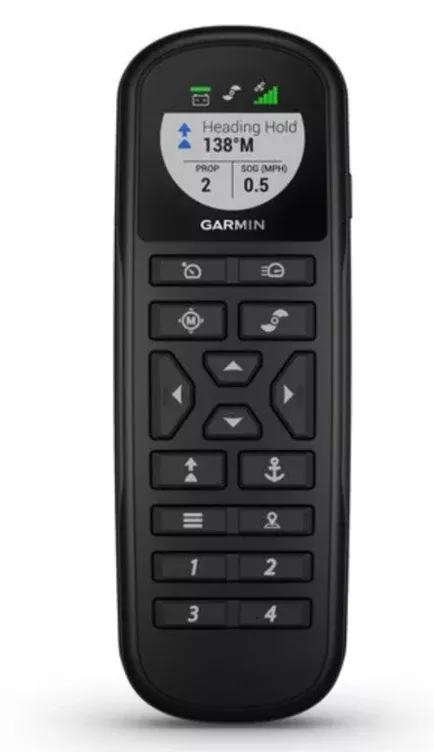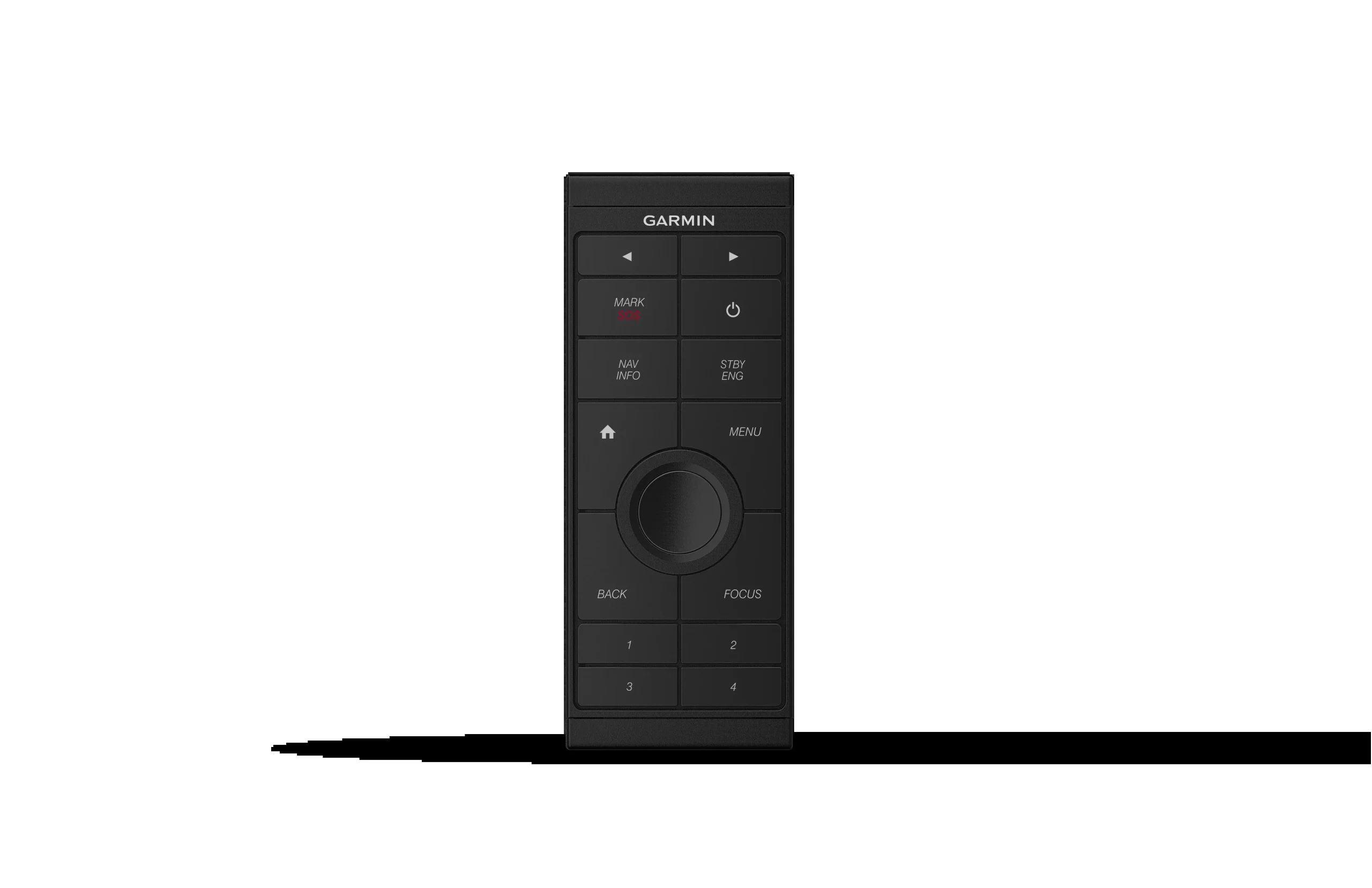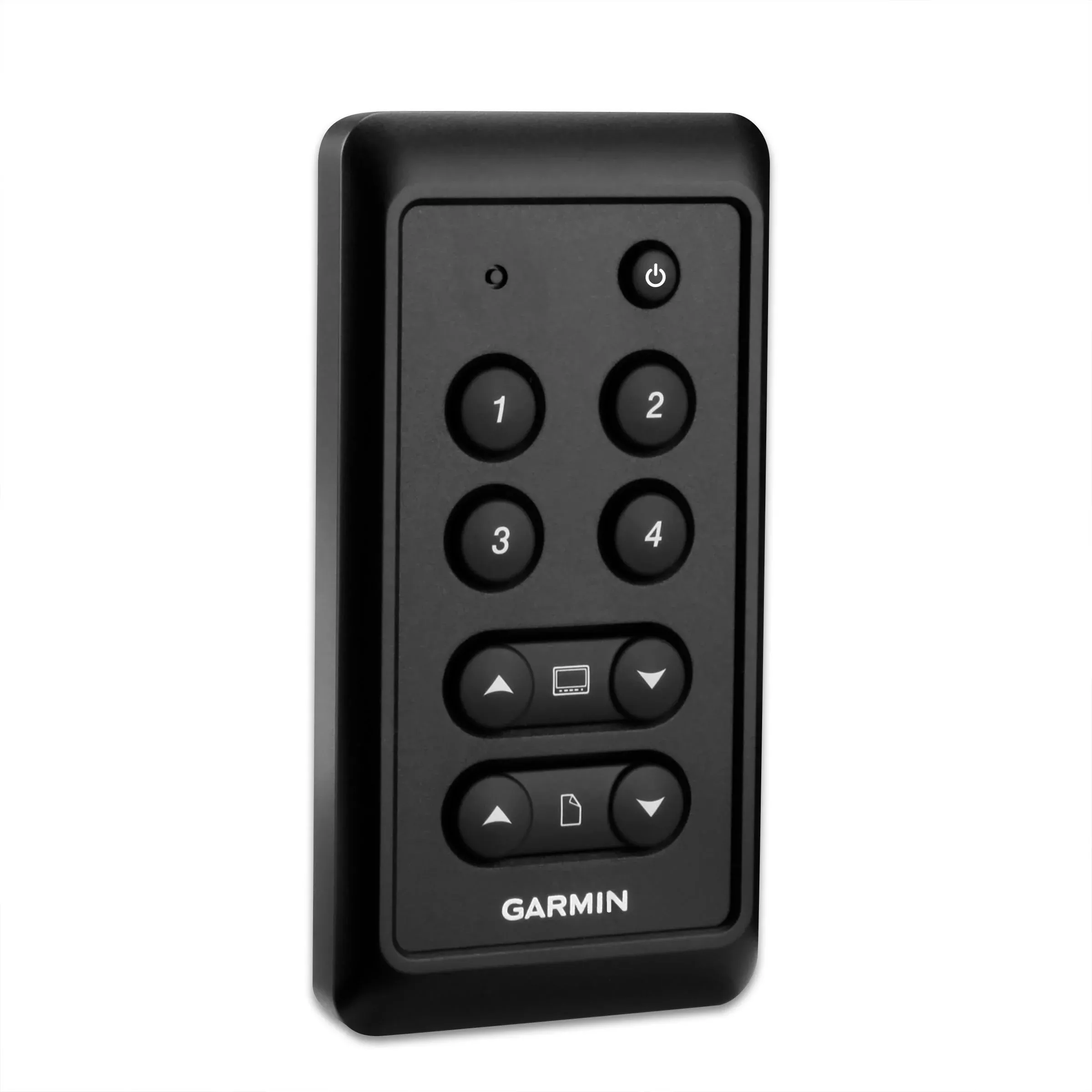
Control the compatible GNX instrument display remotely with this button keyboard interface that can be fixed near the rudder. It has 4 buttons for the default settings. In addition, you can adjust the backlight of all devices at the touch of a button.
Specifications:
- Dimensions: 59 X 115 X 15 mm (2.32” X 4.53” X .59”)
- Weight: 95 g (3.4 oz)
- Water resistance rating: IPX7
- Temperature range: from -15° to 70°C (5° to 158°F)
- Voltage range: from 9 to 16 V (from NMEA 2000)
- Power consumption: 0.2 W
- Assembly options: built-in
- NMEA 2000® certification: yes
- Compatible with NMEA 0183: no
- Automatic ignition: yes
FAQs
Always wear safety goggles, ear protection, and a dust mask when drilling, cutting, or sanding.
Install the decorative bezel by snapping it in place around the edges of the device after mounting.
Yes, connect all necessary cables before placing the device in the cutout if rear access will not be possible after mounting.
To install the decorative bezel, snap it in place around the edges of the device after securing the device to the surface.
Trim the template, make sure it fits your location, secure it, cut along the solid line, align the device, drill pilot holes, then use the included screws.
Always check what is on the opposite side of the surface to prevent damaging hidden components.
Use a countersink bit to drill a counterbore through only the top gel-coat layer to avoid cracking when tightening screws.
Do not connect the NMEA 2000 power cable directly to the battery. Use the ignition switch or an in-line switch so the network is not always powered.
When printing the flush mount template, select the appropriate paper size, Auto-Rotate and Center, and set Page Scaling to None. After printing, measure the template to verify it matches the intended size before cutting your mounting surface.
Contact the SailRACE team — as certified marine experts we’re happy to help with product selection, installation and after-sales servicing, before and after your purchase.