
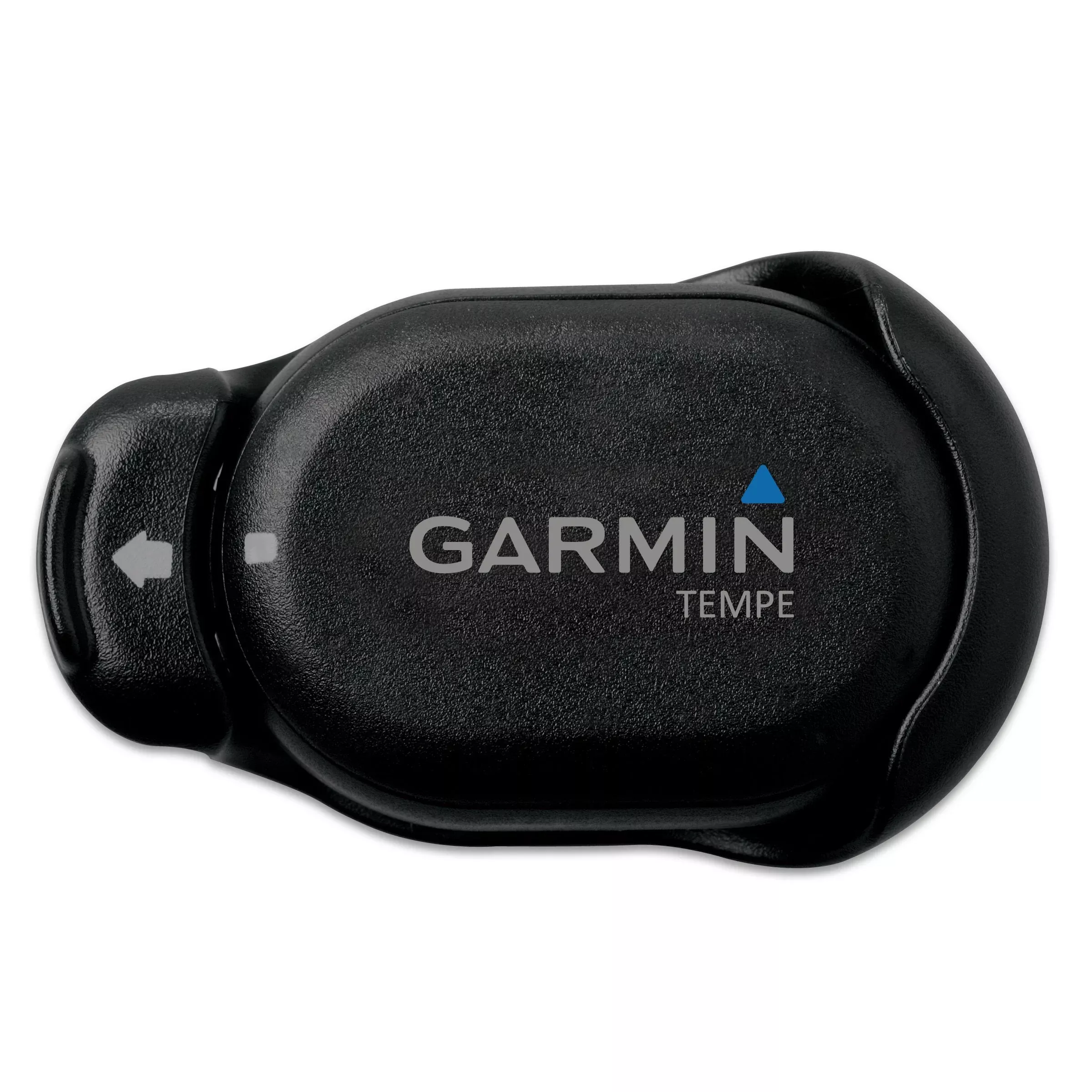
It records the ambient temperature and transmits data wirelessly to the compatible Garmin device thanks to the external sensor. You can attach it to your backpack, jacket or shoes, among others, to control the temperature accurately on your next expedition.
FAQs
No user-serviceable parts. Repairs should only be made by an authorized service center. Replace battery as needed.
The sensor should be attached to a secure strap or loop using the clip provided.
Turn the battery cover counter-clockwise to remove it, place the battery in with the positive side facing the inside, then replace and secure the cover by aligning the dots and rotating clockwise.
Pair the sensor with your compatible GPS device before viewing temperature data.
Perchlorate Material – special handling may apply.
The Garmin standard limited warranty applies to this accessory.
This device complies with part 15 of the FCC Rules and is classified as a Class B digital device.
Press the tab on the clip, then lift and separate the sensor from the clip.
Turn on the device, bring it within 3 m of the sensor, then select Setup> ANT Sensor> Tempe> New Search to pair.
Place the sensor where it is exposed to ambient air. Avoid locations that could be affected by sunlight, body heat, or other hot/cold sources.
Do not use a sharp object to remove user‑replaceable batteries. Contact your local waste disposal for proper recycling.
The product does not contain user-serviceable parts. Repairs should only be made by authorized service centers.
Avoid placing the sensor in locations with direct sunlight, body heat, or other conflicting hot/cold sources.
Contact your local waste disposal department to properly recycle the batteries.
Do not use a sharp object to remove user‑replaceable batteries.
This device complies with Industry Canada license-exempt RSS standard(s).
Contact the SailRACE team — as certified marine experts we’re happy to help with product selection, installation and after-sales servicing, before and after your purchase.