
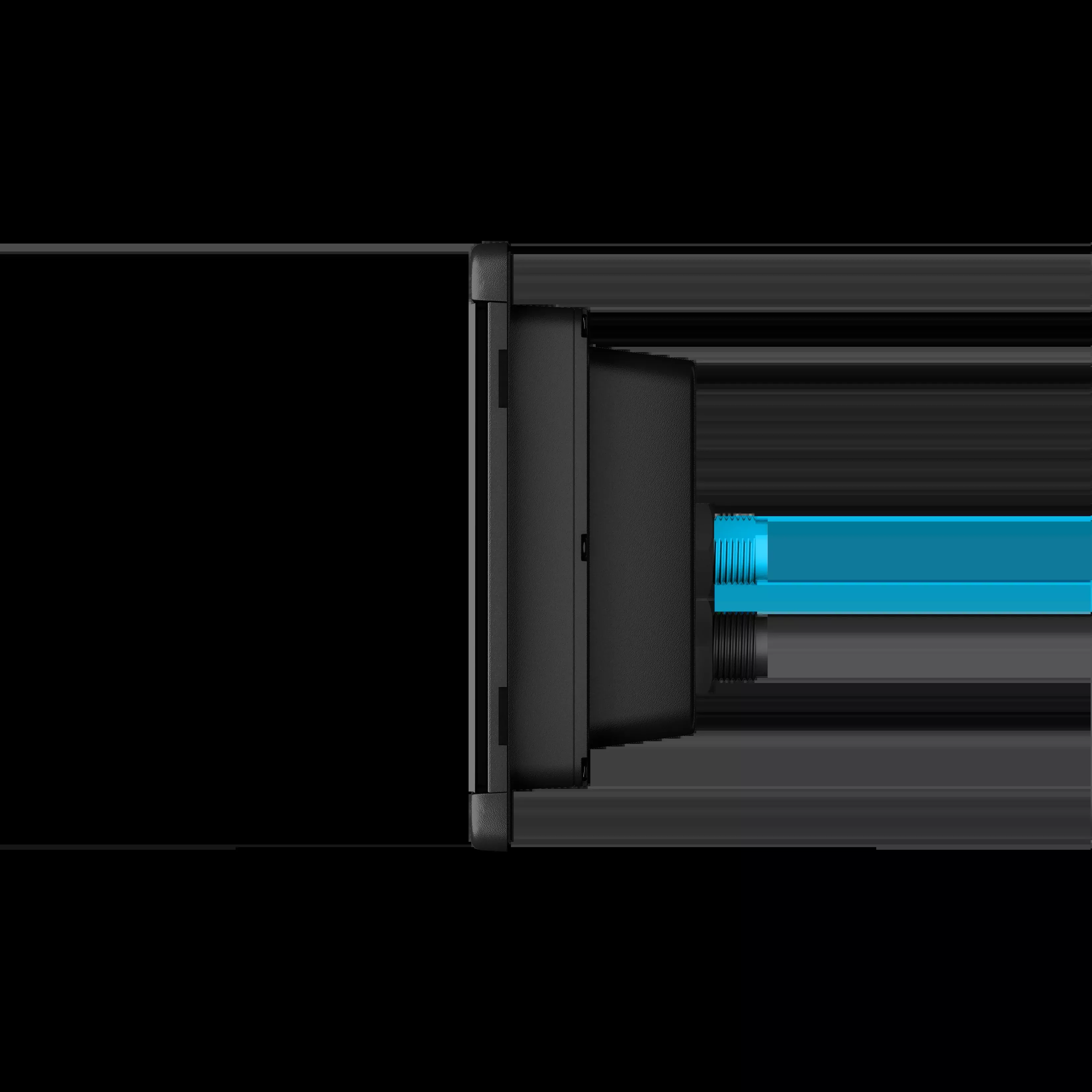
Control at your fingertips
Whenever you need more access to the on-board system, the 5′′ TD 50 touch screen adapts to your needs. Check the data of the engine and systems or adjust the settings of lighting, air conditioning, entertainment, safety sensors, autopilots and much more.
Scalable technology
The touch screen of the TD 50, easy to use and install, can work as an additional screen at the rudder station or to network access the switching and data monitoring functions of the entire boat under deck.
Easy integration into systems
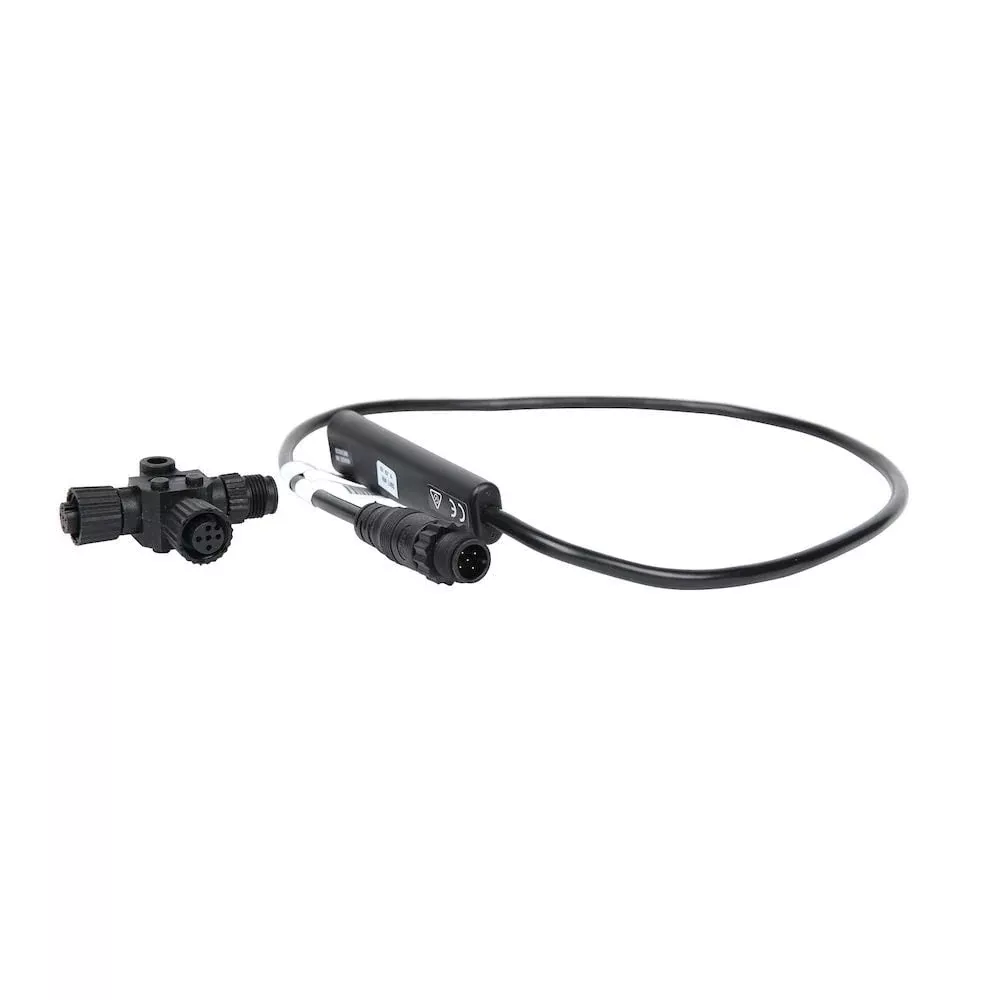
To obtain an integrated digital control on board, the TD 50 touch screen is compatible with NMEA 2000, third-party systems, OneHelm™ EmpirBus and the Garmin network. System connectivity couldn’t be simpler.
Intuitive interface
The control by touch screen through a simple graphical interface allows you to access various switching functions and supervision of the electrical components of the entire boat.
Versatile assembly options
The stylized design, the minimum size and the flat or recessed mounting options of the TD 50 unit, allow it to be installed in virtually any location on board where access to the auxiliary system is needed.
Resistant and durable design
It has an IPX7 water resistance rating, the touch screen of the TD 50 has been designed for the most demanding nautical environments. The bright LCD screen offers clear and sharp visibility in daylight, adjustable backlight and a wide viewing angle to provide excellent readability anywhere it is used on board.
Specifications:
| Misc |
|
FAQs
Yes, connect all necessary cables before mounting if access to the back will be blocked after installation.
Ensure enough room behind the mounting surface for routing and connecting cables before securing the device.
Install the adhesive-backed rubber gasket pieces onto the back of the device after preparing the mounting surface and before placement.
Always wear safety goggles, ear protection, and a dust mask when drilling or cutting. Disconnect vessel power before starting and ensure proper grounding.
No, only use the included screws. Using other screws may void your warranty and could damage the device.
Yes, use the included mounting template. Printing your own template risks incorrect sizing and may lead to a faulty cutout.
Use the included screws (wood or machine screws, with nut plates if needed) and snap trim caps over the screws once mounted.
No, install at least the compass-safe distance away to avoid interference, as stated in the product specifications.
Install the adhesive-backed rubber gasket pieces on the back of the device after removing the protective liner.
Mount at or below eye level on a flat, strong surface. Avoid mounting where exposed to extreme temperatures or excessive vibration/shock.
Be careful—there’s minimal clearance between the case and mounting holes. Cutting too large a hole could compromise stability.
Drill one or more holes inside the template outline using a 9 mm (3/8 in.) bit before cutting with a jigsaw or rotary tool.
No, the device will not function as a stand-alone unit; it must be networked with compatible Garmin Marine Network chartplotters.
Software updates require either a Garmin memory card reader accessory or another Garmin chartplotter over the Garmin Marine Network.
Select the ‘Backlight’ menu or press the power button repeatedly from any screen to scroll through brightness levels.
Select> Lock Touchscreen to lock. Select to unlock the screen when needed.
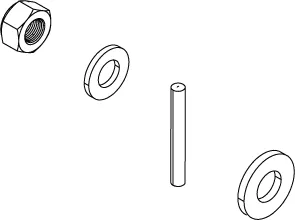
Nut plates are placed behind the surface, aligned with drilled holes. An M3 pan-head screw fastens each plate for stability.
After securing the device with screws, snap the trim caps into place over the screws as the last step.
Contact the SailRACE team — as certified marine experts we’re happy to help with product selection, installation and after-sales servicing, before and after your purchase.
![SI-TEX SVS-760CF Dual Frequency Chartplotter Sounder w/Navionics+ Flexible Coverage & Transom Mount Triducer [SVS-760CFTM]](https://www.yachtseatworks.com/wp-content/uploads/2026/10/si-tex-svs-760cf-dual-frequency-chartplotter-sounder-w-navionics-flexible-covera.webp)