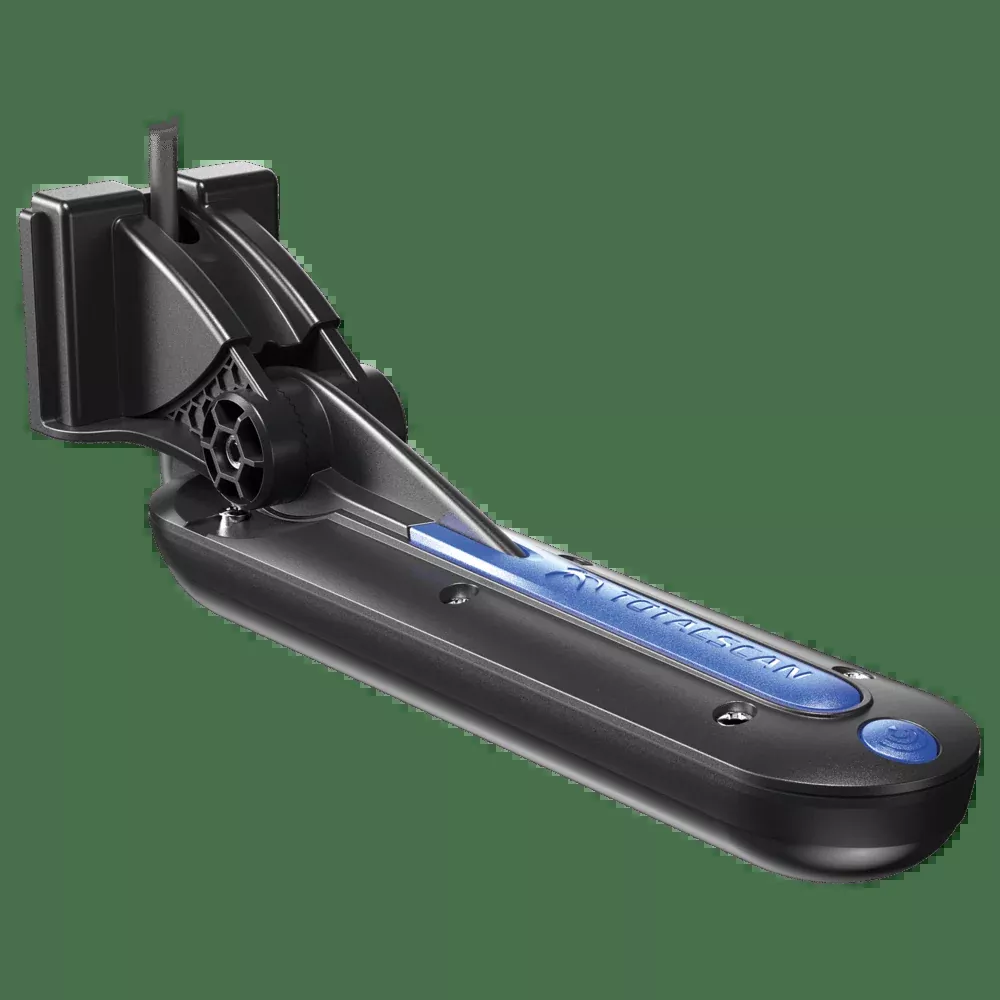
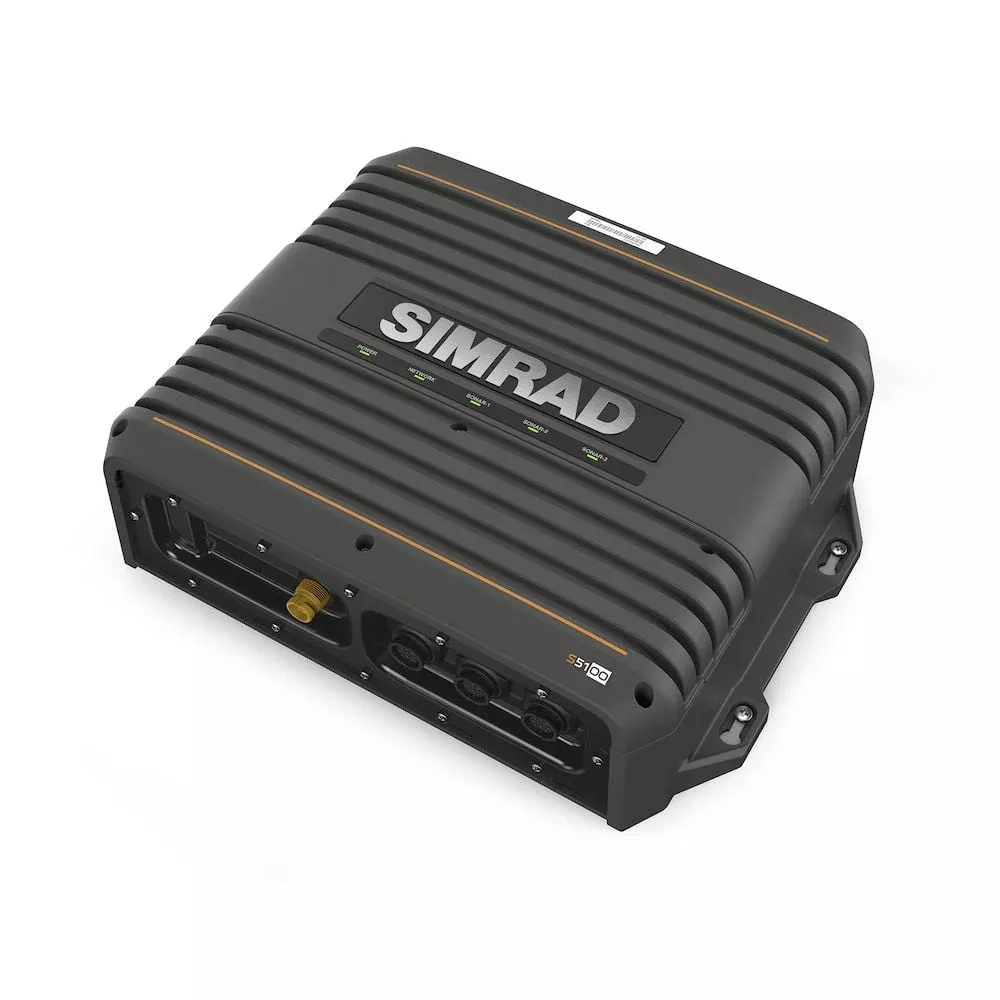
It was difficult to improve, but the extended distance of the LiveScope XR system has achieved it. This is the latest in LiveScope technology, now for coastal and open water fishing.
LONG-RANGE View
The Reverse Range Offset function uses more screen to show fish and structures up to 150 m in fresh water and 107 m in salt water.
SHORT-RANGE View
The Compress Range function gives you a clear view of the boat, while not losing sight of the targets that are further away.
REAL-TIME Images
The real-time probe guarantees maximum accuracy in your live images.
Image Stabilizer
An integrated stabilization system keeps the image of the probe fixed on your compatible plotter, even in coarse sea conditions.
Brightly Colored Palettes
Choose from seven bright colors, such as aquamarine, Caribbean and lava, among others, to see the fish and structures with the highest level of contrast and clarity.
Forward Mode
Now you can get ahead of the boat and observe what is happening in real time.
Downward Mode
Explore the live views of the activity that takes place under the boat in more depth.
Perspective Mode
Get a view of your perspective on water to see what happens underwater.
Specifications:
| Physical And Performance Characteristics | |
|---|---|
| Beam Width | 20° X 135° |
| Cable Length | 6m |
| Number of Sideburns | 21 |
| Dimensions of the Unit (WIDTH/HEIGHT/DEPTH) | GLS 10 black box probe: 24.5 X 14.9 X 6.5 cm (9.7′′ X 5.9′′ X 2.6′′); LVS62 transducer: 20.8 X 10.1 X 7.0 cm (8.20′′ X 3.98′′ X 2.76′′) |
| Weight | GLS 10 black box probe: 2.0 kg (4.3 lb) LVS62 transducer with cable: 1.78 kg (3.92 lb) LVS62 cableless transducer: 1.21 kg (2.66 lb) |
| Water Resistance Classification | IPX7 |
| Temperature Range | LVS62 transducer: operation: from 0 °C to 40 °C |
| Electric | |
|---|---|
| Feeding Input | 10-32 V |
| Electricity Consumption | Typical 21 W; máx. 58 W |
| FUSE | 7,5 A |
| Safety Distance From the Compass | 0,18 m (7″) |
| Probe Specifications And Functions | |
|---|---|
| Frequency | 282 – 522 kHz |
| Transmission Power | 500 W |
| Maximum Depth | Fresh water: downwards and forwards: 152.0 m (500′) Salt water: down and forward: 106.0 m (350′) |
| Type of Probe | Live |
| Separation of Objectives At 100′ | 22″ |
| Support with Perspective Included | Yes |
| Connections | |
|---|---|
| Garmin Marine Network Ports™ | 1 (small connector) |
FAQs
Yes. Update your chartplotter’s software when installing this device to ensure compatibility.
Read all installation instructions before proceeding and ensure compliance to prevent damage or injury.
You should use black electrical tape to secure the cable above and below the rotating joint. Avoid over-tightening with zip ties, as this can damage the cable or cause fatigue due to repeated rotation.
Using third-party or self-fabricated mounts could lead to transducer damage or loss, and such damage is not covered under warranty.
Install the included ferrite bead on each transducer cable near the connector to reduce electromagnetic interference (EMI) or ‘noise.’
The rubber liner is not needed when installing the transducer on a trolling motor with a shaft diameter larger than 25 mm (1 in.), such as the Garmin Force trolling motor.
Install the sonar module in a location with adequate ventilation, where the LEDs are visible, cables can be connected, and the device will not be submerged.
Install it in a ventilated location, out of extreme temperatures, not where it can be submerged, and where the LEDs are visible.
The transducer must be positioned where it won’t contact the propeller and mounted to avoid obstructions; specific waterline guidance is not detailed but submersion is implied.
You must angle the transducer correctly for your selected sonar view to work properly and align bracket marks before tightening.
Route the cable away from the propeller, avoid electrical wires or other sources of interference, and prevent pinching during motor movements.
Contact the SailRACE team — as certified marine experts we’re happy to help with product selection, installation and after-sales servicing, before and after your purchase.
Need help confirming compatibility?
Email [email protected] with the product you want to purchase and the make, model and reference of the equipment where it will be installed. Our team will check the available information and reply as soon as possible.