- Three-blade propeller to obtain a more accurate real wind speed (TWS) with soft winds
- The double-fin design provides a more stable real wind angle (TWA)
- Optical reading technique with superior performance with soft winds and excellent linearity
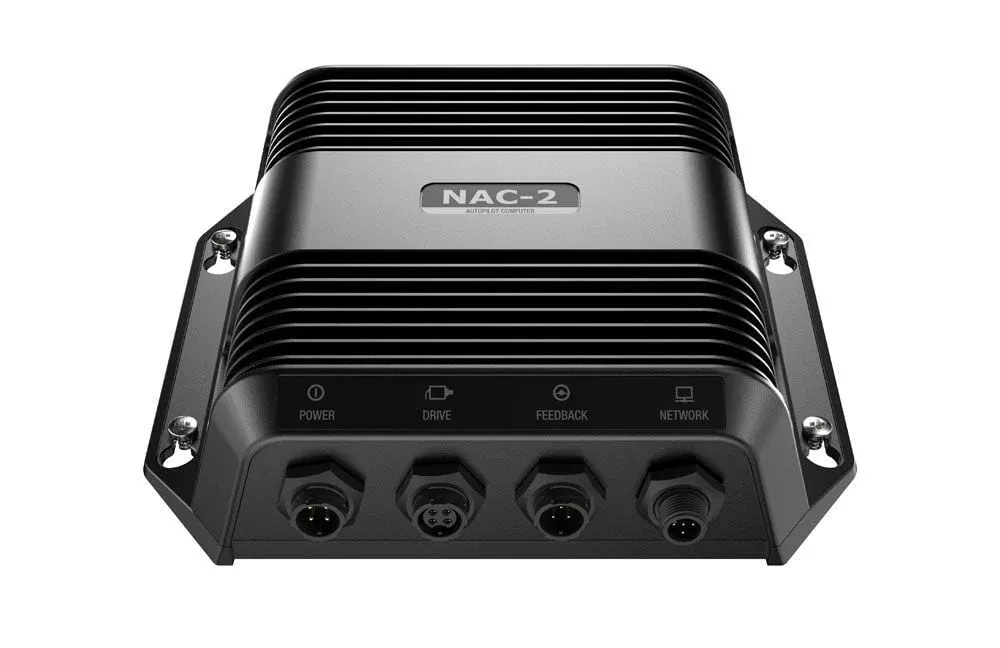
- The GND™ 10 black box converts data from the NMEA 2000® network to the Nexus network and allows compatible Garmin plotters to be integrated into Nexus navigation equipment and vice versa
- Simple plug-and-play installation between Nexus, Garmin plotters, NMEA 2000 and USB.
The gWind transducer incorporates double-fin technology with three-blade propeller to obtain a more accurate real wind speed with gentle winds, while its double-fin design provides a more stable real wind angle. The three-leaf propeller, unlike that of the cup-shaped design, is always effective. Along with optical reading, this transducer provides superior precision with soft winds and excellent linearity.
The included black box GND 10 converter allows the Nexus network and compatible Garmin plotters to share essential data from the NMEA 2000 network. The GND 10 converter allows Garmin plotter owners to use Nexus navigation equipment and vice versa.
Specifications:
| Misc |
|
FAQs
Disassemble the connector, attach cable components as shown, connect each wire to the correct terminal, and complete with the pressing screw.
Wear safety goggles, ear protection, and a dust mask when drilling, cutting, or sanding. Use caution at heights.
Always check what’s on the opposite side of the surface to avoid damaging the vessel.
Yes. The unit can be installed in its bracket and later removed and stored as needed.
Install it facing the front of the boat, parallel to the vessel’s center line. If not mounted forward, configure a wind-angle offset in the NMEA 2000 device settings.
Align the shaft and propeller slot, press the propeller on, and secure it with the provided set screw.
Add an appropriate shim to create a horizontal mast head surface before mounting the wind transducer.
Flashing green indicates normal operation, solid red is power-up, orange is updating/init, and flashing red is an error.
Contact the SailRACE team — as certified marine experts we’re happy to help with product selection, installation and after-sales servicing, before and after your purchase.